AI video is developing incredibly fast. New models and platforms seem to appear almost every week.
But behind all the new tools, there is a more useful question:
How can creatives and marketers actually use AI in video production today?
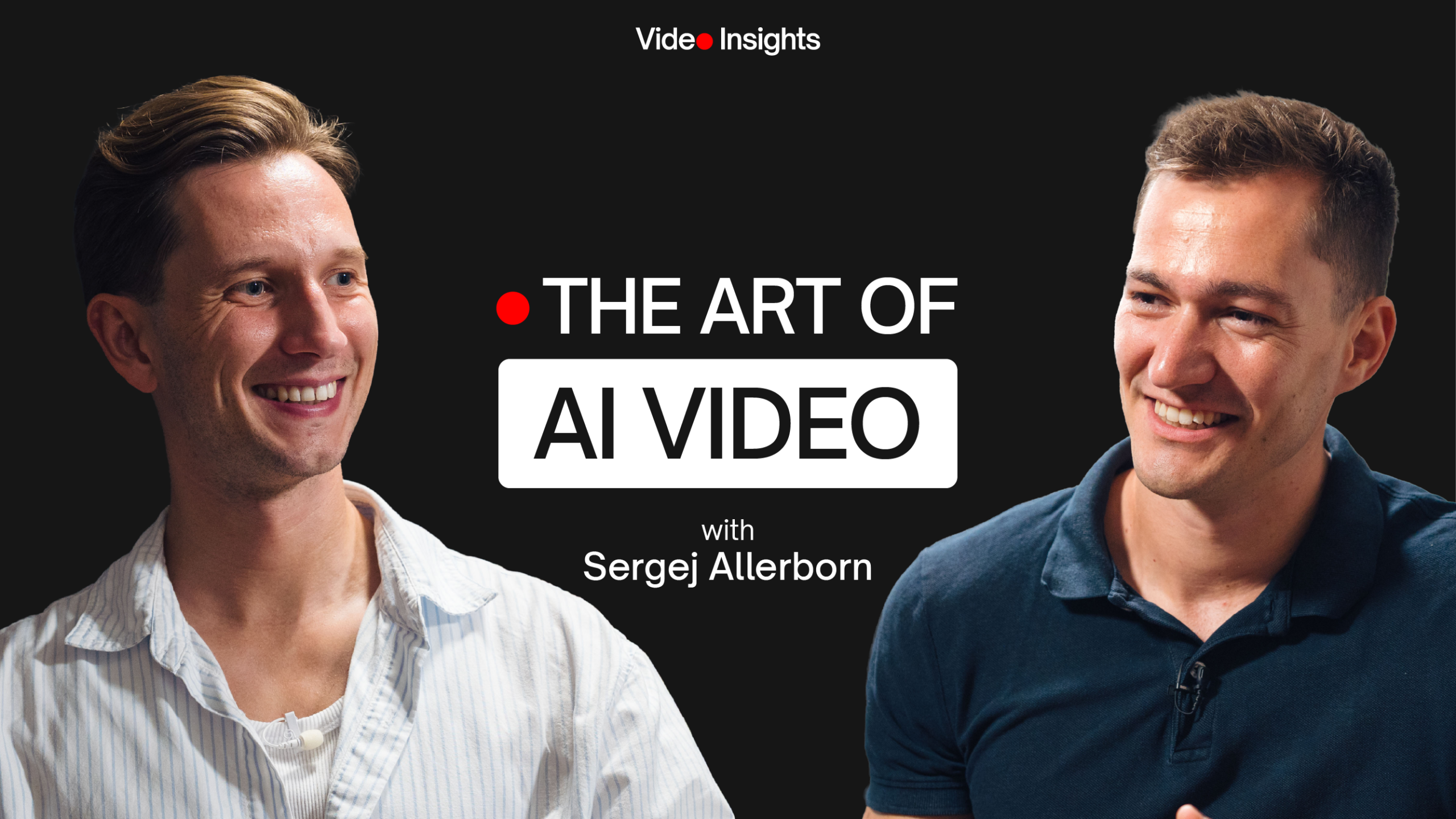
For this episode of Video Insights, I sat down with Sergej Allerborn, Creative Director and AI creative based in Barcelona, to talk about how he uses AI for image and video generation, how he approaches prompting, and where these tools already make a real difference in professional workflows.
One thing became quite clear during our conversation: getting good results from AI is not just about finding the right tool. It is still about having an idea, giving good direction and knowing what a good image or video should look like.
1. A Better Way to Work With AI
One of the first things I noticed about Sergej’s workflow is surprisingly simple:
He often talks to AI instead of typing.
When you type a prompt, it is easy to start overthinking every sentence. Speaking makes it much easier to simply explain what you want.
For example: The lighting feels too perfect. The camera should be further away. I want something that feels more natural. The product should be smaller in the frame.
You can give much more information in a few seconds than you would probably bother to type.
Use AI to help you use AI
There is another simple idea behind Sergej’s workflow: let AI improve the instructions you give to another AI.
Instead of trying to become an expert in prompt engineering, you can explain what you are trying to achieve and ask ChatGPT, Claude or another model to structure the prompt correctly for the generation tool you want to use.
The idea is less: “How do I write the perfect prompt?”
and more: “How can I clearly explain the result I want?”
2. Creating Better Images With AI
AI-generated video often starts with a good image. Sergej breaks the process down into three main elements:
Choose the Right Model
Different image models have different strengths. One might be excellent at photorealism, another at typography or graphics, another at stylized images.
Instead of asking “What is the best AI image generator?”,
ask “What is the best model for this specific image?”
Build a Clear Prompt
Your prompt gives the model its direction. It can contain information about the subject, composition, camera, lens, lighting, environment and overall mood.
But more words do not automatically produce a better image.
Use Reference Images
This might be the most important part. Sergej uses reference images extensively to communicate the visual direction he wants.
These can be photographs, campaign images, lighting references, previous brand content or simply images collected into a moodboard.
AI can even help analyse those references:
What kind of lighting is being used?
What lens could create this perspective?
Why does the image feel cinematic?
What colours or contrast define the look?
You can then feed those observations back into the generation process.
3. From AI Images to AI Video
Once you have the images, you can start thinking about movement. Sergej’s workflow is actually quite similar to traditional video production.
Imagine you want to create a 30-second product film. First, decide what the film should contain. Then create the main shots as still images.
Those images essentially become your storyboard.
Work Scene by Scene
Once the visual direction works, each scene can be animated individually. You can specify things such as:
– camera movement
– subject movement
– environmental movement
– transitions
– start and end frames
Working scene by scene gives you much more control than simply asking AI to generate an entire finished video. This becomes especially important for brands, because a real product needs to remain consistent from one shot to another.
Test Before Generating at Full Quality
AI video generation can become expensive surprisingly quickly. And not every generation works.
A useful approach is therefore to first generate lower-cost test versions. Check the movement, framing and consistency.
Only once the shot works should you generate the higher-quality version. It is basically the AI equivalent of testing an idea before committing to the final render.
4. What Makes AI Content Actually Good?
If everybody has access to similar AI tools, what makes one person’s work better than another’s?
For Sergej, creative knowledge still plays a major role. “The vision you have is the most important thing.”
A filmmaker already understands things such as framing, camera movement, focal lengths, light and perspective.
That knowledge does not suddenly become irrelevant because an image is generated rather than filmed. It actually helps you give AI better direction.
Avoid the “AI Perfect” Look
Another interesting problem is that AI often creates images that are simply too perfect.
Perfect lighting. Perfect skin. Perfect backgrounds. Perfect symmetry.
Real photography rarely looks like this. References, imperfections and more specific creative direction can therefore help make generated content feel less generic.
5. How Marketers Can Use AI Video Today
For marketers, AI does not necessarily mean creating an entire commercial from scratch. Some of the most useful applications are much simpler.
Create Campaign Variations
A company might already have good product photography but need more campaign material.
AI can help place the same product into different environments and create variations without organising a completely new production for every test.
This can be particularly interesting for performance advertising, where marketers may want to test several visual concepts quickly.
Fill Gaps in Existing Productions
AI can also complement traditional video production.
Perhaps you are missing one establishing shot. You need an additional product animation.
You want to extend a background. Or you have a still product image but no corresponding video shot.
Instead of replacing the production, AI becomes another tool available during post-production.
Use AI Before the Shoot
AI can also be useful much earlier in the workflow.
It can help with:
– ideas and concepts – scripts – storyboards –
– moodboards – shot lists – visual references – …
For marketers, this may actually be one of the easiest places to start.
You do not need to generate the final commercial with AI.
You can simply use it to communicate ideas better before production begins.
Use AI as a Sparring Partner
Sergej’s final advice is probably also the easiest one to apply:
Use AI to learn AI.
If you do not know which tool to use, ask. If a generated image looks wrong, show it to AI and ask why.
If you have a specific video idea, explain it and ask how you could approach it.
Sergej describes this as using AI as a sparring partner.
That might be a better starting point than trying to master every new platform.
Start with a real project. Ask questions. Generate something. See what does not work. And improve it from there.
Want to go deeper?
Watch the full interview with Sergej above for more practical examples, workflows and thoughts on AI for video production.
You can also discover more Video Insights interviews, with professionals sharing practical advice on video production, storytelling, marketing, audio, lighting, presenting on camera and more.
SHARE THIS POST